Cartersville & Calhoun, GeorgiaTwo stores. Local help.

GO BEYOND THE TOUCHSCREEN

Tablets

A bigger screen. A carefully connected system. Explore the chips, power circuits, touch technology, and accessories that make your tablet work.

iPad. Android. Windows. Understand the differences.

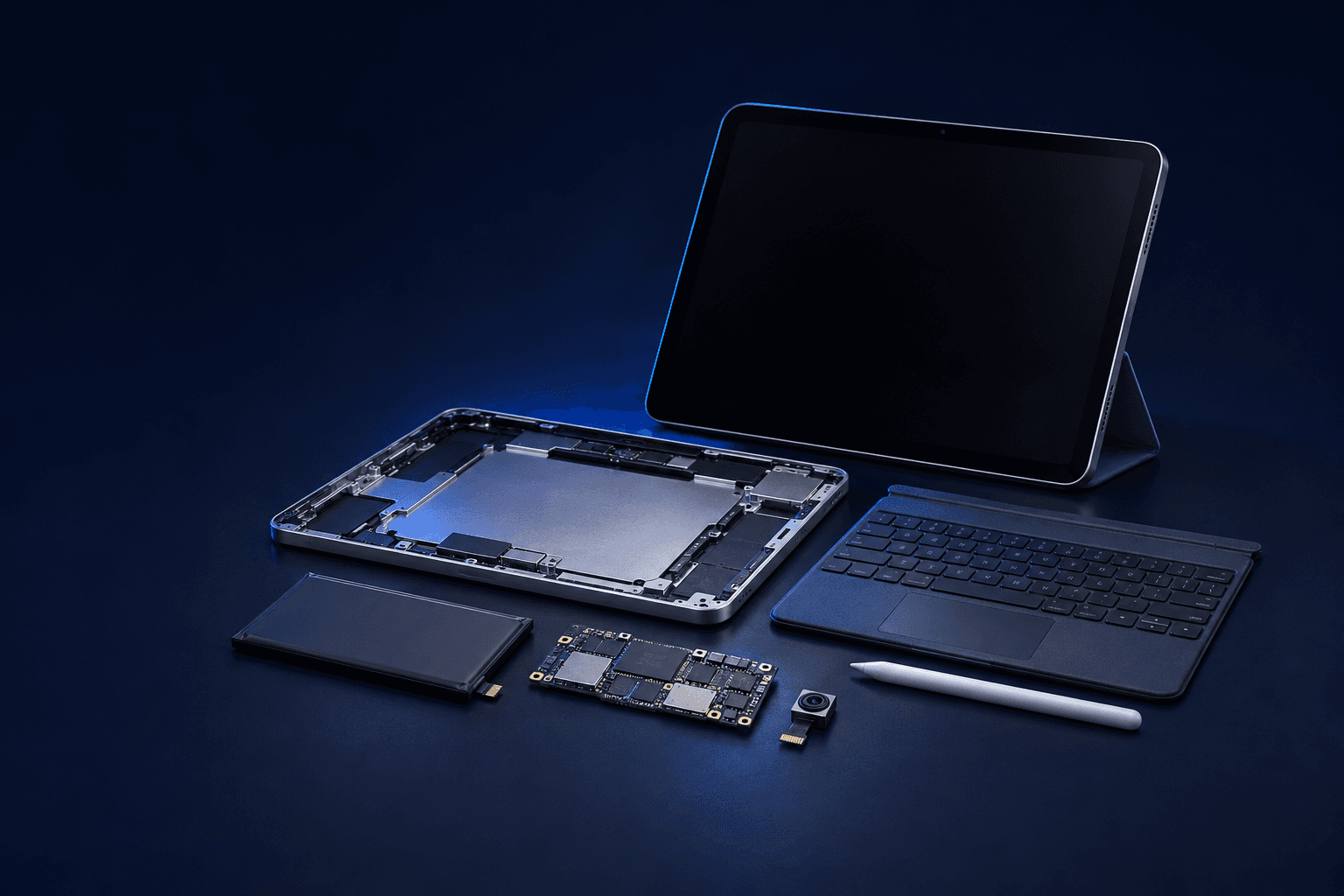
Illustrative tablet, internal components, keyboard, and stylus in blue studio lightingTOUCH / PROCESS / CONNECT

MORE THAN A LARGE PHONE

Many systems behind one piece of glass.

Your tablet turns input into action through processing, working memory, storage, display, and communication systems. Charging circuits and power-management chips supply the energy, while thermal structures help move heat.

An iPad, Galaxy Tab, and Windows detachable can share a shape while using different processors, displays, pens, keyboards, and repair arrangements. These guides explain functional roles; they are not one universal teardown or board layout.

THE TABLET COMPONENT LIBRARY

Meet the hardware inside.

Ten guides explain the main systems, the smaller parts that support them, and common symptoms.

START WITH WHAT YOU OBSERVE

Common tablet issues, explained.

Choose a symptom to understand possible causes and the details that help a repair conversation.

UNDERSTAND THE SYMPTOM

The picture and touch response do not match.

Separate cracked glass, a missing picture, and incorrect touch input when describing the problem.

Possible causes

  • Damage to glass, the display panel, touch sensing, or an internal connection
  • A screen protector, moisture, accessory interference, or software behavior
  • A power, backlight, or board fault elsewhere in the display path

Useful details to collect

  • Does the screen show an image, respond to a finger, or respond to a compatible pen? Describe each separately.
  • Does the behavior change when a removable accessory is disconnected?
  • Record a drop, liquid exposure, earlier screen repair, or recent software change.

A black screen does not prove the tablet is off. If the screen is lifting or the battery may be swollen, stop charging and contact the store; do not press the screen back down.

Discuss Repair Options

FOLLOW THE WORK

From a pen stroke to a saved note.

These roles overlap while you use a compatible tablet and pen. This example explains the work, rather than an electrical connection order.

  1. 01

    Sense the input.

    The supported pen and sensing system report position and available input features.

  2. 02

    Interpret the action.

    Software and processors turn the input into a stroke using active data in memory.

  3. 03

    Show the result.

    The graphics and display systems update the page you see.

  4. 04

    Keep the work.

    The app saves to local storage or a supported online service according to its settings.

Power management supports the whole experience.

The PMIC and related circuits help supply the right voltages, sequence startup, and coordinate supported low-power states. Battery condition, workload, software, and temperature also affect efficiency.

Explore the PMIC and power rails →

SIMILAR SHAPES, DIFFERENT DESIGNS

Know which tablet you have.

IPAD

The exact generation matters.

Processor, display, connector, Pencil, keyboard, and external-display support vary across iPad models. A familiar product name or magnetic attachment does not establish accessory compatibility.

Understand pens and keyboards →

ANDROID & GALAXY TAB

Features follow the model.

Android tablets vary in displays, pens, storage expansion, cellular hardware, and ports. DeX or USB-C branding alone does not establish support for every external display or dock arrangement.

Understand ports and docks →

WINDOWS & SURFACE

Tablet form, different platforms.

Windows detachables can use different processor architectures, cooling arrangements, storage designs, and accessory systems. App, driver, pen, and keyboard compatibility need the exact model.

Understand processors and compatibility →

KNOW THE TERMS

A practical tablet glossary.

SoC
A system-on-chip combines processing engines and supporting functions; integration varies by platform.
RAM / storage
Temporary working memory / persistent space for the operating system, apps, and saved files.
PMIC / rail
A power-management integrated circuit / a controlled supply serving a group of circuits.
Digitizer
Sensing hardware that interprets input. Finger touch and pen input can use different technologies.
USB-C
A connector shape. Supported charging, data, accessories, and video depend on the complete device and connection.
LCD / OLED
Two display technologies: an LCD controls light from a backlight, while OLED pixels emit light.
ISP
An image signal processor handles supported camera-processing tasks within the imaging pipeline.
Modem / RF
Hardware for communication processing / radio-frequency circuitry supporting wireless signals.

FROM LEARNING TO LOCAL HELP

Tell us what your tablet is doing.

Share the model, symptoms, accessory details, and data priorities with Phone Lab in Cartersville or Calhoun. Repair options depend on the exact device and its condition.