
Desktop & gaming PCs
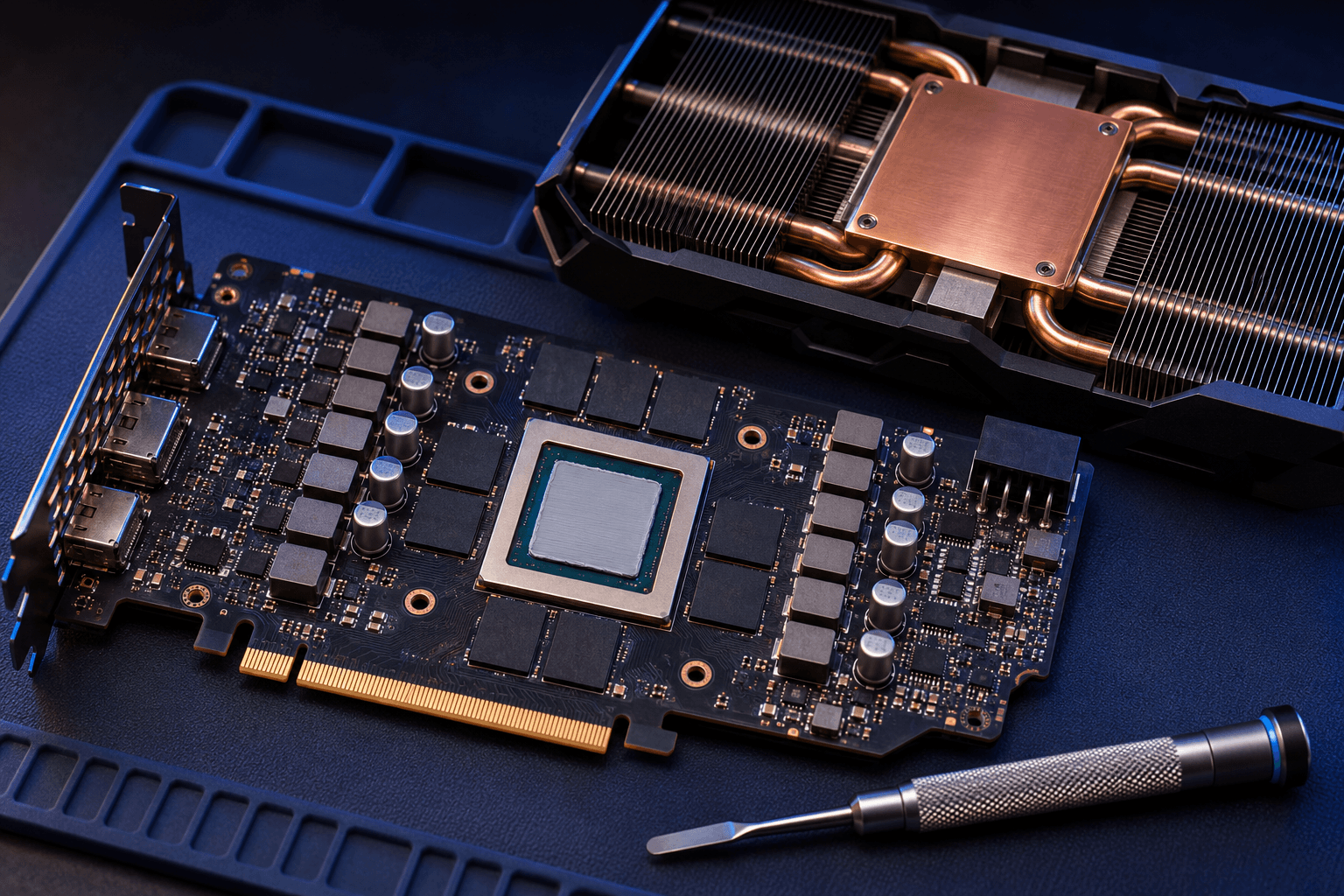
Standard towers often allow individual part upgrades. Check the motherboard, power supply, case clearance, and cooling together.
COMPUTER REPAIR & COMPONENT GUIDES
Explore what is inside your computer, how it works, and how we can help.
 INSIDE YOUR EVERYDAY TECH
THE COMPONENT LIBRARY
Start with one part. Understand its job, the main types, and how it works with everything else.
10 guides to explore
How processors execute instructions, what cores and clock speeds mean, and why the right platform matters.
Understand this partUnderstand graphics processing, video memory, integrated versus discrete graphics, and display outputs.
Understand this partLearn how working memory differs from storage, how memory types vary, and what capacity and speed mean.
Understand this partCompare flash storage and mechanical drives, and separate M.2 size from SATA and NVMe communication.
Understand this partUnderstand the board that connects your parts and sets the limits for compatible upgrades.
Understand this partLearn how a PSU powers the system and why wattage, connectors, cable compatibility, and fit all matter.
Understand this partSee how heat moves from chips into the air, and why paste, pads, fans, and airflow have different jobs.
Understand this partWhy your enclosure affects component fit, cooling paths, dust management, and future upgrades.
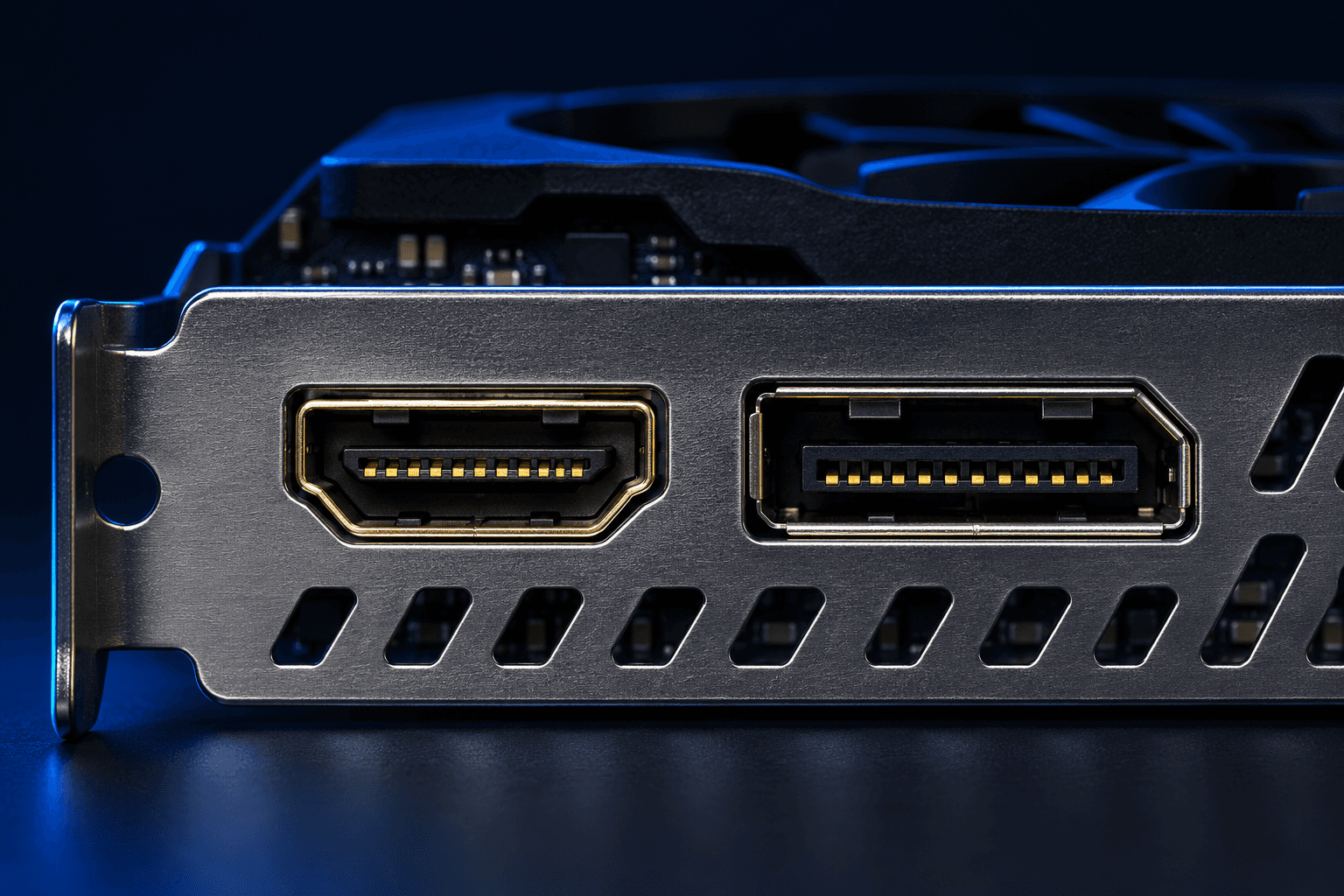
Understand this partUnderstand connector shapes, supported functions, cables, adapters, and why a no-signal symptom needs diagnosis.
Understand this partSeparate the computer's connection from the router and internet service when investigating slow or unreliable networking.
Understand this partGRAPHICS CARD SERVICES
Cooling concerns or a damaged connection? Start with the exact card and symptoms.
PUT THE PIECES TOGETHER
Opening an application, working on a file, and displaying it involve different parts. This example follows information through the system; it is not a wiring diagram.
Your SSD or hard drive holds the application and saved files.
RAM provides quick access to the data being used right now.
The CPU runs instructions; the GPU handles supported graphics and parallel tasks.
The display output sends the picture to a compatible monitor.
| Question | RAM | SSD / hard drive |
|---|---|---|
| What does it hold? | Active working data | Saved files and installed software |
| Keeps data without power? | No, ordinary system RAM is volatile | Yes, designed for persistent storage |
| What can more capacity help? | More active work at once | More room for saved content |
DIFFERENT COMPUTERS, DIFFERENT OPTIONS
Standard towers often allow individual part upgrades. Check the motherboard, power supply, case clearance, and cooling together.
Space-saving designs often combine or solder components. Exact model details determine which storage, memory, battery, or board repairs are practical.
Compact systems may use laptop-style parts and proprietary cooling. A familiar component name does not guarantee standard desktop compatibility.
Start with the applications, connected equipment, data priorities, and reliability needs. A balanced system depends on the actual work.
LET'S WORK OUT YOUR NEXT STEP
Share your model, symptoms, or upgrade goals with Phone Lab in Cartersville or Calhoun.
Explore the technology in your pocket: Learn how smartphones work →