
CARTERSVILLE & CALHOUN, GEORGIA
Graphics Card HDMI & DisplayPort Repair
A damaged display connection can interrupt an otherwise useful graphics card. Phone Lab offers graphics card HDMI and DisplayPort connector repair assessment in Cartersville and Calhoun, including inspection of the connector and the surrounding board.
Get help choosing your next step →
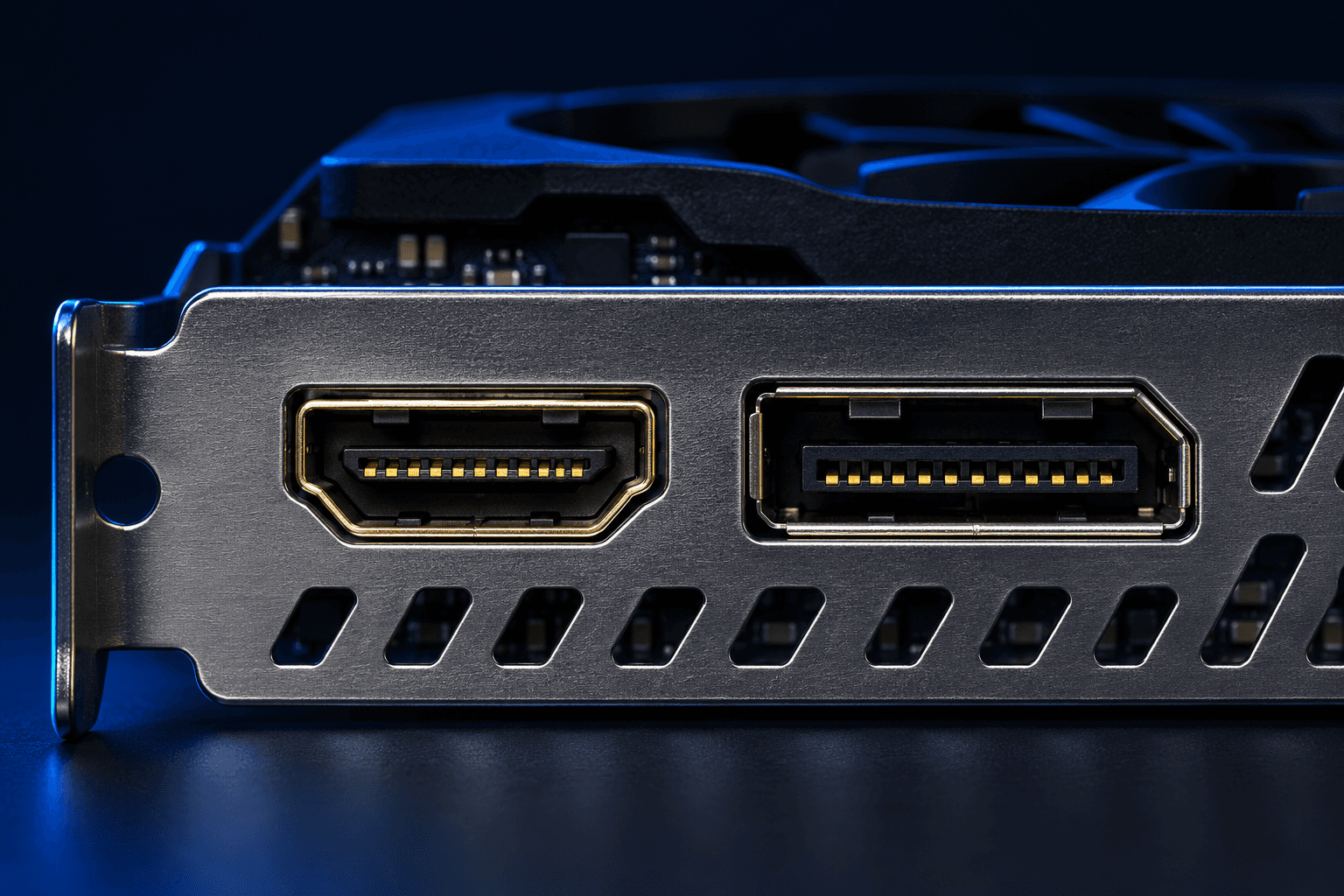
Understand the hardware behind your repair or upgrade.
Explore computer parts & graphics card services →Issues we can discuss
- Bent, crushed, loose, or visibly damaged display connectors
- A display cable that was pulled or struck while attached
- Intermittent connection at one output
- One port failing while another output still works
- No-signal symptoms that need diagnosis before parts replacement
A no-signal message is a symptom
The monitor, cable, adapter, selected input, display mode, drivers, computer startup, and GPU circuitry all affect the picture. A black screen does not establish that the physical HDMI or DisplayPort socket is faulty. Even a working second output narrows the investigation without proving which component failed.
We start with the reported history and connector condition, then discuss the testing needed. If a socket is visibly damaged, avoid forcing the cable or repeatedly moving it to restore contact; this can make the mechanical problem worse.
Connector replacement and board assessment
A supported repair can involve removing a damaged connector, examining its pads and nearby components, fitting a matching replacement, and checking the connection. Graphics card connectors are soldered to a multilayer circuit board, so the work depends on more than matching the visible shape.
A torn connector can lift pads or damage traces. Other faults may involve protection components, signal paths, power circuits, memory, or the GPU itself. Those cases need assessment and may require different work or may not be repairable. We discuss the findings, suitable parts, and estimate before the agreed repair.
- Identify the exact card, connector footprint, and damage.
- Assess board condition and any damage beyond the socket.
- Check the repaired output at supported test settings when possible.
Prepare useful details before your visit
Note whether the system boots, whether another output works, and whether the problem occurs before the operating system loads or only inside a game or application. Share any previous repairs and the model of a dock or adapter in the connection. This history can help distinguish a connector problem from a system or compatibility issue.
Supported resolution, refresh rate, and display features depend on the original hardware plus the monitor and connection. Replacing a socket does not upgrade its standard or add unsupported features. Pricing and scheduling depend on the card, parts, and extent of damage; contact your store to discuss your specific case.
Common questions
Can you replace an HDMI or DisplayPort socket on a GPU?
We offer assessment for these repairs. Whether replacement is practical depends on the exact graphics card, matching parts, and the condition of the pads and surrounding circuitry.
Will replacing the socket fix every no-picture problem?
No. Cables, the display, software, power, computer startup, and other board faults can cause no picture. We need to identify the fault before deciding on a connector repair.
Do you work on both HDMI and DisplayPort?
Yes, contact us about either connector with the exact graphics card model and damage details. Availability and repair options are assessed for that card.
Does a new connector improve my maximum resolution?
No. Connector repair aims to restore supported operation. It does not change the graphics card's original display capabilities.