
CARTERSVILLE & CALHOUN, GEORGIA
GPU Repasting & Thermal Service
Give your graphics card's cooling system the attention it needs. Phone Lab offers GPU repasting and thermal service in Cartersville and Calhoun, starting with your exact card model, its condition, and the symptoms you are experiencing.
Get help choosing your next step →
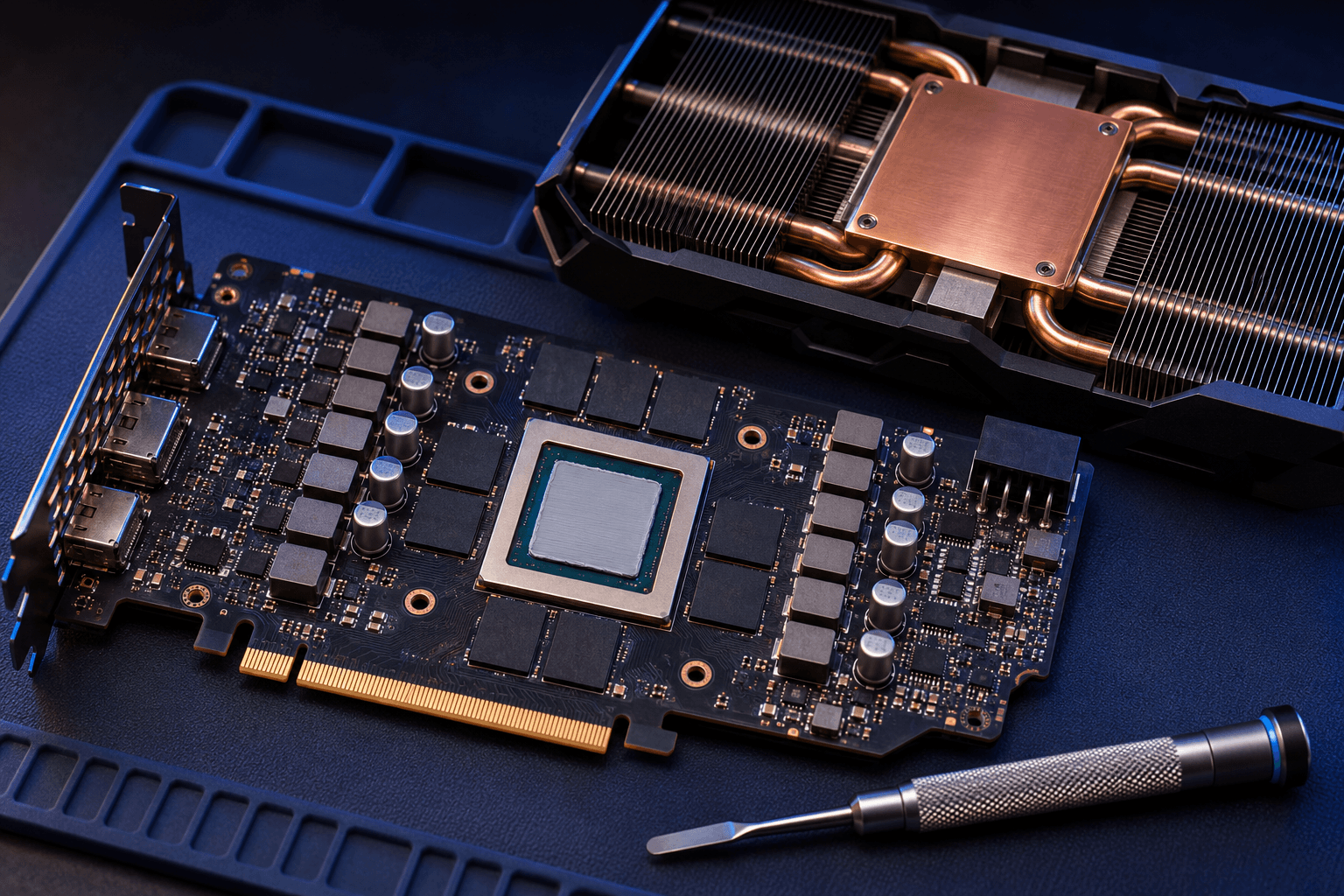
Understand the hardware behind your repair or upgrade.
Explore computer parts & graphics card services →Issues we can discuss
- Unusually loud fans or a change in cooling behavior
- Dust buildup and obstructed heatsink fins
- Thermal warnings or performance that falls during sustained use
- Assessment of existing paste, cooler contact, and thermal materials
- Cooling concerns after previous maintenance or a used-card purchase
What repasting actually does
A cooler needs good thermal contact with the GPU. Interface material fills small gaps between surfaces so heat can move into the cooling assembly. Over time or after disturbed assembly, the material or contact may need attention; symptoms and inspection help establish whether that is the issue.
Repasting addresses one part of the heat path. Dust, failing fans, mounting problems, restricted case airflow, or an electrical fault can need a different solution. We discuss those findings rather than treating every hot or unstable graphics card as a paste problem.
A service matched to your card
Depending on the card and agreed work, service can include cooler and fan inspection, cleaning accessible dust, removal of old GPU interface material, application of an appropriate replacement, and careful reassembly. Testing focuses on the reported issue and the equipment available for your model.
Thermal pads or putty around memory and power components need separate assessment. Their thickness, compression, placement, and material are specific to the board and cooler. Replacement is discussed when needed; it is not an automatic promise to replace every pad. Some designs require a different interface approach.
- Confirm the exact graphics card and cooling assembly.
- Discuss condition, suitable materials, and any additional parts before work.
- Review cooling behavior under appropriate test conditions when possible.
Results, timing, and repair options
There is no universal temperature target or guaranteed reduction from repasting. Results depend on ambient temperature, card design, workload, fan settings, existing contact, and the condition of the rest of the system. Sensor names can also refer to different locations such as core, hotspot, or memory.
Repasting cannot repair damaged VRAM, power circuitry, a failed GPU chip, or a broken display connector. If symptoms suggest another fault, we can discuss diagnostics or a separate repair assessment. Contact your store for an estimate and scheduling based on your card; parts availability and damage affect what is practical.
Common questions
Will repasting definitely fix overheating or crashes?
No. Thermal material is one possible factor. Fans, dust, airflow, cooler contact, software, power, and board faults can produce overlapping symptoms, so assessment comes first.
Do you replace thermal pads too?
We assess the card's thermal materials and discuss replacement if needed. Correct material and fit depend on the exact board and cooler; paste and pads serve different contact gaps.
Can I bring just the graphics card?
Contact the store first with the exact card and symptoms. A card-only visit may suit thermal maintenance, while a system-level problem may be better assessed with the computer.
How often should a graphics card be repasted?
There is no single interval that fits every model. Condition, symptoms, operating environment, and manufacturer guidance are more useful than replacing material on an arbitrary schedule.